
Serve a morning dashboard from rollups, not raw scans
How pre-aggregation rollups serve morning executive dashboard queries from pre-computed tables rather than scanning raw transaction tables.
The datahashi team7 min read
The problem
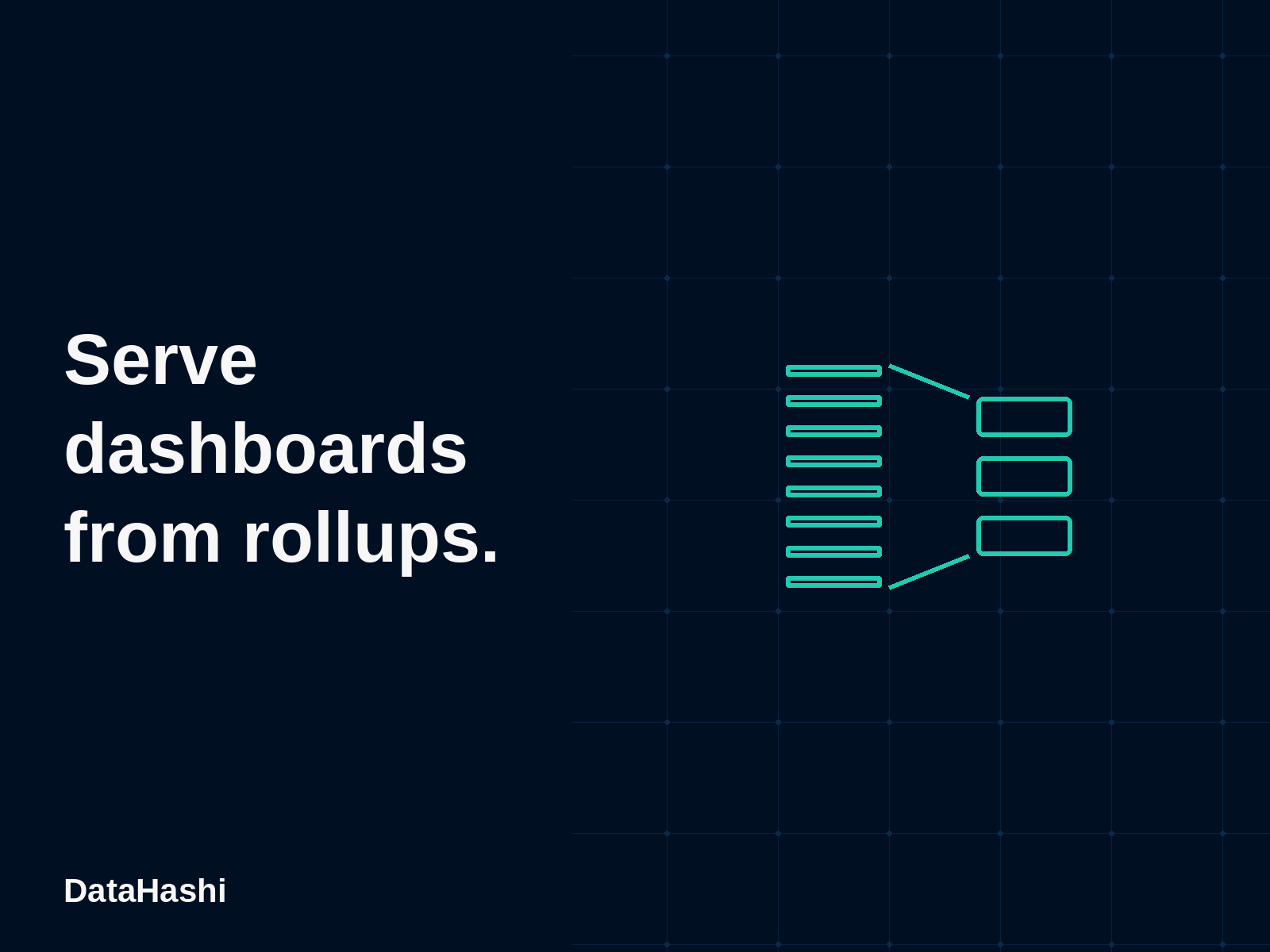
Executive dashboards open each morning to check revenue and order volume across departments. Each card sends queries directly against central transaction tables. Repeated queries across multiple teams scan raw historical transaction records over and over. Downstream reports slow down and warehouse bills increase. Pre-aggregation rollups let the engine route queries to pre-computed summary tables while preserving central governance.
+--------------------------------------------------------------+
| Daily Executive Dashboard                                    |
+--------------------------------------------------------------+
  |                           |                           |
  v                           v                           v
Widget 1: Revenue           Widget 2: Orders            Widget 3: Dept Split
  |                           |                           |
  +---------------------------+---------------------------+
                              |
                Repeated raw table scans ✗
                              |
                              v
                   Raw daily orders table
The data
The schema splits operational departments from transactional daily order rows. Each order records an order identifier, a department foreign key, an order date, and an order amount in USD.
+---------------------+              +----------------------+
|     departments     |              |     daily_orders     |
+---------------------+              +----------------------+
| dept_id (PK)        |<---+         | order_id (PK)        |
| dept_name           |    +---------| dept_id (FK)         |
+---------------------+              | ordered_at           |
                                     | amount               |
                                     +----------------------+
Here is the SQL DDL and sample rows runnable in DuckDB:
CREATE TABLE departments (
    dept_id VARCHAR PRIMARY KEY,
    dept_name VARCHAR NOT NULL
);

CREATE TABLE daily_orders (
    order_id VARCHAR PRIMARY KEY,
    dept_id VARCHAR NOT NULL REFERENCES departments(dept_id),
    ordered_at DATE NOT NULL,
    amount DOUBLE NOT NULL
);

INSERT INTO departments VALUES
    ('dept_hw', 'Hardware'),
    ('dept_sw', 'Software'),
    ('dept_sv', 'Services');

INSERT INTO daily_orders VALUES
    ('ord_01', 'dept_hw', '2026-10-01', 125000.0),
    ('ord_02', 'dept_hw', '2026-10-01', 85000.0),
    ('ord_03', 'dept_sw', '2026-10-01', 340000.0),
    ('ord_04', 'dept_sv', '2026-10-01', 95000.0),
    ('ord_05', 'dept_hw', '2026-10-02', 140000.0),
    ('ord_06', 'dept_sw', '2026-10-02', 310000.0),
    ('ord_07', 'dept_sv', '2026-10-02', 115000.0),
    ('ord_08', 'dept_sw', '2026-10-02', 45000.0);
The model
The semantic model declares two entities, their relationship, two executive metrics, and a pre-aggregation rollup named executive_daily_rollup. The rollup pre-aggregates revenue and order counts at day grain bucketed by department identifier. It specifies an hourly refresh schedule.
source: warehouse_main

entities:
  - name: Department
    table: departments
    primary_key: dept_id
    dimensions:
      - name: dept_id
        column: dept_id
        type: string
      - name: dept_name
        column: dept_name
        type: string

  - name: DailyOrder
    table: daily_orders
    primary_key: order_id
    dimensions:
      - name: order_id
        column: order_id
        type: string
      - name: dept_id
        column: dept_id
        type: string
      - name: ordered_at
        column: ordered_at
        type: date
        grains: [day, month, quarter, year]
    measures:
      - name: revenue
        expr: amount
        agg: sum
      - name: order_count
        expr: order_id
        agg: count

relationships:
  - name: order_department
    from: DailyOrder
    to: Department
    cardinality: many_to_one
    keys:
      - [dept_id, dept_id]

metrics:
  - name: executive_revenue
    expr: revenue
    description: "Executive gross revenue"
    unit: USD
    format: currency
  - name: executive_orders
    expr: order_count
    description: "Total executive order count"

rollups:
  - name: executive_daily_rollup
    entity: DailyOrder
    dimensions:
      - dept_id
      - { name: ordered_at, grain: day }
    measures:
      - revenue
      - order_count
    refresh:
      every: 1h
Notice how the rollup configuration integrates directly with the semantic definitions:
entity: DailyOrdernames the primary fact table that supplies the measures.dimensionsdefines the grouping keys. Setting{ name: ordered_at, grain: day }stores one row per UTC day. Because day grain sits beneath week, month, quarter, and year, queries at those coarser grains can re-aggregate directly from this rollup. A week-only rollup would not.measureslists the stored raw aggregates. Bothrevenueandorder_countare additive measures that re-aggregate safely across dimensions.refresh.every: 1hdictates the rebuild interval. The scheduler rebuilds the pre-aggregated slice every hour.
See the model specification for syntax rules on dimensions and rollups. Read the guide on advanced modeling for details on defining complex relationships.
The queries
The semantic engine exposes a single query interface described in the query specification. Clients request certified metrics and dimensions instead of authoring database SQL. Where a request sets include_sql, the engine returns compiled SQL only if it was started with ENGINE_ALLOW_SQL=true. MCP never returns SQL.
Query 1: Daily executive summary by department
The executive hero query requests executive_revenue and executive_orders broken down by day and department. Because this exact grain and measure set matches executive_daily_rollup, the engine answers the query without hitting raw granular transactional rows.
{
  "metrics": ["executive_revenue", "executive_orders"],
  "dimensions": [
    {
      "name": "ordered_at",
      "entity": "DailyOrder",
      "grain": "day"
    },
    {
      "name": "dept_id",
      "entity": "DailyOrder"
    }
  ],
  "order": [
    { "ref": "ordered_at", "desc": false },
    { "ref": "dept_id", "desc": false }
  ],
  "include_sql": true
}
The gateway returns the grouped totals:
| ordered_at | dept_id | executive_revenue | executive_orders |
|---|---|---|---|
| 2026-10-01T00:00:00Z | dept_hw | 210000 | 2 |
| 2026-10-01T00:00:00Z | dept_sv | 95000 | 1 |
| 2026-10-01T00:00:00Z | dept_sw | 340000 | 1 |
| 2026-10-02T00:00:00Z | dept_hw | 140000 | 1 |
| 2026-10-02T00:00:00Z | dept_sv | 115000 | 1 |
| 2026-10-02T00:00:00Z | dept_sw | 355000 | 2 |
When compiled against the live tables, the query compiler produces this grouped SQL:
SELECT
  q0."ordered_at" AS "ordered_at",
  q0."dept_id" AS "dept_id",
  CAST(q0."revenue" AS DOUBLE) AS "executive_revenue",
  CAST(q0."order_count" AS DOUBLE) AS "executive_orders"
FROM (
  SELECT
    date_trunc('day', "ordered_at") AS "ordered_at",
    "dept_id" AS "dept_id",
    CAST(SUM(amount) AS DOUBLE) AS "revenue",
    COUNT(order_id) AS "order_count"
  FROM "daily_orders" AS "DailyOrder"
  GROUP BY date_trunc('day', "ordered_at"), "dept_id"
) AS q0
ORDER BY "ordered_at", "dept_id"
In this test run, query execution against the 8-row sample table scanned 8 rows. This sample dataset is tiny; the point is that the engine routes the query to pre-aggregated rollups rather than scanning raw transaction tables.
Query 2: Rollup re-aggregation by department name
Clients can join related entities while preserving rollup re-aggregation. Here the dashboard requests revenue and orders grouped by department name:
{
  "metrics": ["executive_revenue", "executive_orders"],
  "dimensions": [
    {
      "name": "dept_name",
      "entity": "Department"
    }
  ],
  "order": [
    { "ref": "executive_revenue", "desc": true }
  ],
  "include_sql": true
}
The gateway aggregates across days to calculate department totals:
| dept_name | executive_revenue | executive_orders |
|---|---|---|
| Software | 695000 | 3 |
| Hardware | 350000 | 3 |
| Services | 210000 | 2 |
The compiler resolves the relationship between DailyOrder and Department:
SELECT
  q0."dept_name" AS "dept_name",
  CAST(q0."revenue" AS DOUBLE) AS "executive_revenue",
  CAST(q0."order_count" AS DOUBLE) AS "executive_orders"
FROM (
  SELECT
    "Department"."dept_name" AS "dept_name",
    CAST(SUM("DailyOrder"."amount") AS DOUBLE) AS "revenue",
    COUNT("DailyOrder"."order_id") AS "order_count"
  FROM "daily_orders" AS "DailyOrder"
  JOIN "departments" AS "Department"
    ON "DailyOrder"."dept_id" = "Department"."dept_id"
  GROUP BY "Department"."dept_name"
) AS q0
ORDER BY "executive_revenue" DESC
Query 3: Refusal for unmodeled forecast metric
When an ad-hoc dashboard or bot requests a metric that is not declared in the model, the engine halts before querying the database:
{
  "metrics": ["ceo_forecast_revenue"]
}
The API rejects the request immediately with HTTP 404:
{
  "error": "model: resolve: metric \"ceo_forecast_revenue\" is not exposed by the named view",
  "code": "not_found",
  "reason": "not_in_view",
  "ref": "ceo_forecast_revenue"
}
No database query executes. Warehouse compute remains untouched.
What to notice
- Transparent acceleration. Dashboard consumers request the same metric names regardless of whether a rollup exists. The query interface never requires client callers to know underlying rollup table names. Applications and dashboards keep querying standard certified metrics.
- Grain-aware routing. The engine matches rollups when the query grain is equal to or coarser than the stored rollup grain. Storing day-level totals allows queries to answer day, week, month, quarter, year, and a full total. The engine sums day slices without touching raw transactional tables. A week-only rollup answers week only.
- Controlled refresh schedules. The
refresh.everyconfiguration governs background rebuild intervals. Rollups refresh systematically in the background instead of thrashing warehouse resources during peak dashboard usage. - Metered resource tracking. The engine emits telemetry for each executed query, logging byte counters and query execution duration. Data platform teams can observe query frequency and verify reduced warehouse workload across all incoming traffic.
- Refusal over guesswork. Undeclared or hallucinated metrics fail fast at compile time. This prevents downstream reporting tools from generating runaway full-table scans for invalid metrics.
For earlier examples of building metric models, see the post on building your first metric in DuckDB and the guide on multi-tenant customer dashboards.
Limits
- Joined rollups. A query can read one rollup per entity and join those results on the grouped dimensions. It is all or nothing: if any entity has no matching rollup, the whole query runs live. A rollup with
live_tail, or a query that uses exactcount_distinctor a percentile across entities, does not take this path. - Additive measure constraints. Rollups re-aggregate additive measures such as sum and count. Non-additive measures, like exact distinct counts or percentiles across multi-period queries, require raw warehouse scans or sketches.
- Time zone pinning. A rollup stores time buckets in UTC. A query that buckets in another time zone misses the rollup and runs on the warehouse.
- Hosted-only Rollup Advisor and Autonomous Rollups. In the open community binary, model authors declare rollups manually in
model.yaml. The Rollup Advisor and Autonomous Rollups features run in the hosted platform (engine-cloud). The hosted platform clusters query shapes, computes candidate rollups from live traffic, and provisions rollups autonomously within tenant storage quotas. - Stale data fallback. A stale or failed build is never served. Those queries run live until a fresh build lands.
- Transformation boundary. The engine does not transform raw operational tables. Cleaning messy source strings, handling currency conversions, and updating source tables remain warehouse extraction and transformation responsibilities.
Product notes
An occasional email when we ship something or write something worth reading.