
MCP auth: agents never hold warehouse passwords
Set up MCP auth so agents never hold warehouse passwords - credentials stay server-side behind the semantic layer.
The datahashi team3 min read
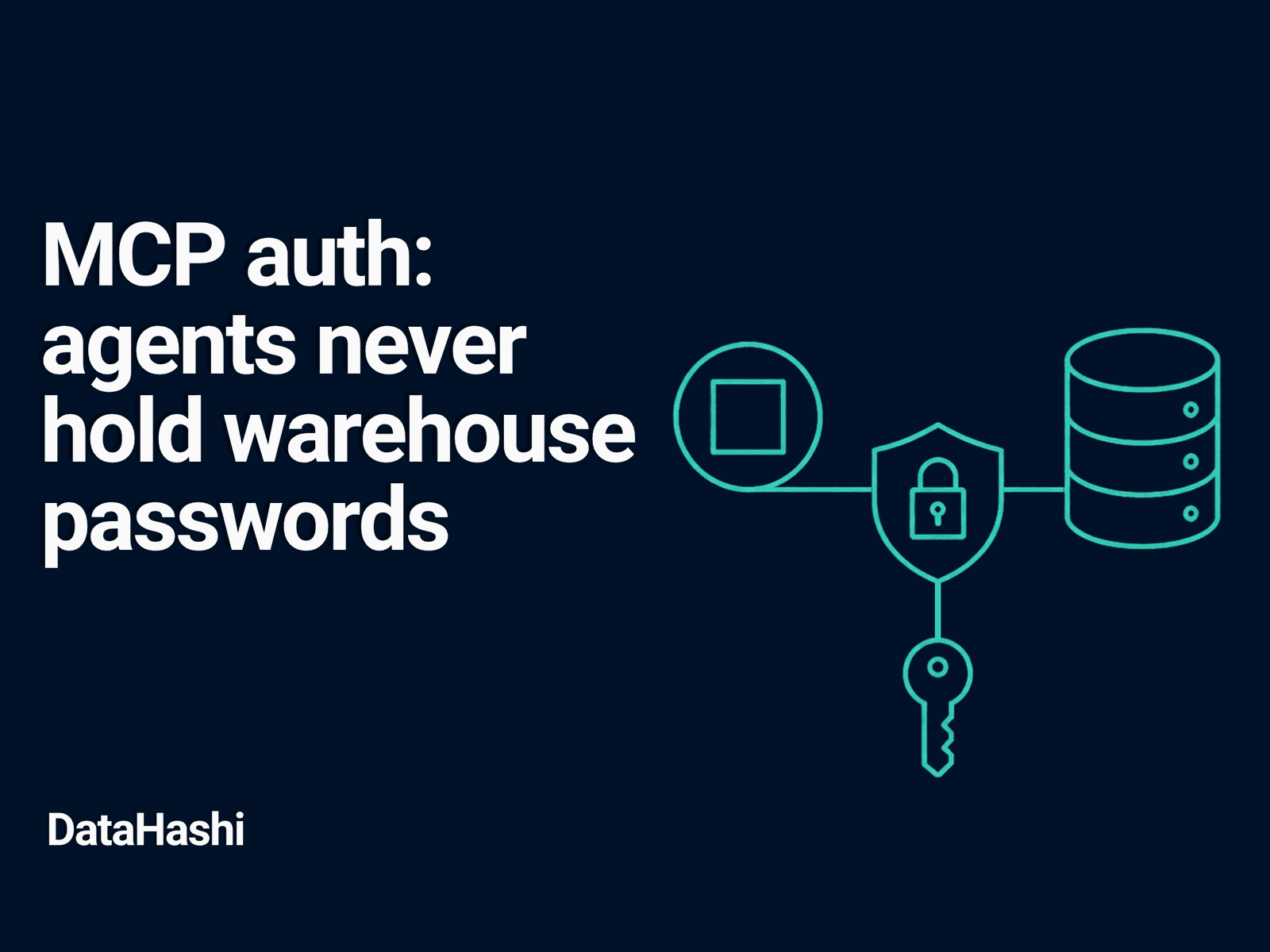
An agent that holds a Snowflake or BigQuery password is a credential leak waiting to happen. Config files get copied into tickets. Tokens land in chat logs. Rotate one warehouse secret and every agent host needs an update. The safer pattern is simple: the agent never sees the warehouse at all.
datahashi sits between MCP clients and your warehouse. Agents authenticate to the semantic layer. The engine compiles Semantic Queries into SQL; a Query Runner you control executes them with a read-only warehouse role. The warehouse password never reaches the agent, and on the path we recommend it never reaches the engine either.
What the agent holds
Prefer OAuth for interactive MCP clients (Claude Desktop and similar). The agent completes a sign-in and receives a short-lived token for datahashi - not a warehouse password, not a long-lived warehouse key pasted into a JSON config.
For service-style agents, issue an API credential bound to datahashi. That credential carries Data Roles, field grants, and row-level rules. Nothing in the MCP tool arguments can widen those grants or invent a new connection string.
Either way, the warehouse password stays on the Query Runner — never in the agent, and never in the engine on the path we recommend. Agents never need it to answer a metric question.
Tool surface stays SQL-free
Authentication without a SQL-free surface still fails. If the agent can call a generic query_warehouse tool, a stolen agent token becomes a stolen SQL path.
datahashi’s MCP tools are fixed:
list_catalogdescribe_metricrun_semantic_querydrill_downrefine_semantic_querylist_dimension_values
None accept or return SQL. A compromised agent session can only ask for metrics the credential already allows. It cannot open a second warehouse connection or append raw SQL fragments after the fact.
Setup checklist
- Run a Query Runner next to the warehouse with a least-privilege read-only role, then register it as a source. Keep transforms in the warehouse; the semantic model stays thin.
- Author and publish the YAML model as an immutable artifact with its access rules. Pin versions for agent environments that need a fixed cut.
- Grant the agent principal a role with the metrics it may use. Bind the same row-level rules humans use for those metrics.
- Connect the MCP client with OAuth (or an API credential for services). Prefer short-lived tokens over long-lived secrets in files.
- Confirm the client only registers the three semantic tools - no ad-hoc SQL MCP tool on the same agent.
Same request shape, same enforcement
REST apps, the console, and MCP agents send the same metrics × dimensions × filters object. Governance is enforced in that request shape on the server: unknown metrics fail, governed credentials cannot escalate to explore measures, and filters stay structured.
Metering attributes scan volume to the agent principal. When something looks wrong, revoke or rotate the datahashi credential without rotating the warehouse password for every other consumer.
What not to do
Do not paste warehouse secrets into agent system prompts “for convenience.” Do not share one long-lived warehouse key across humans, BI, and agents. Do not bolt MCP onto a generic SQL runner and call it governed.
Agents should hold a scoped semantic credential. Warehouse passwords stay server-side behind datahashi. That split is the auth story worth shipping.
Product notes
An occasional email when we ship something or write something worth reading.